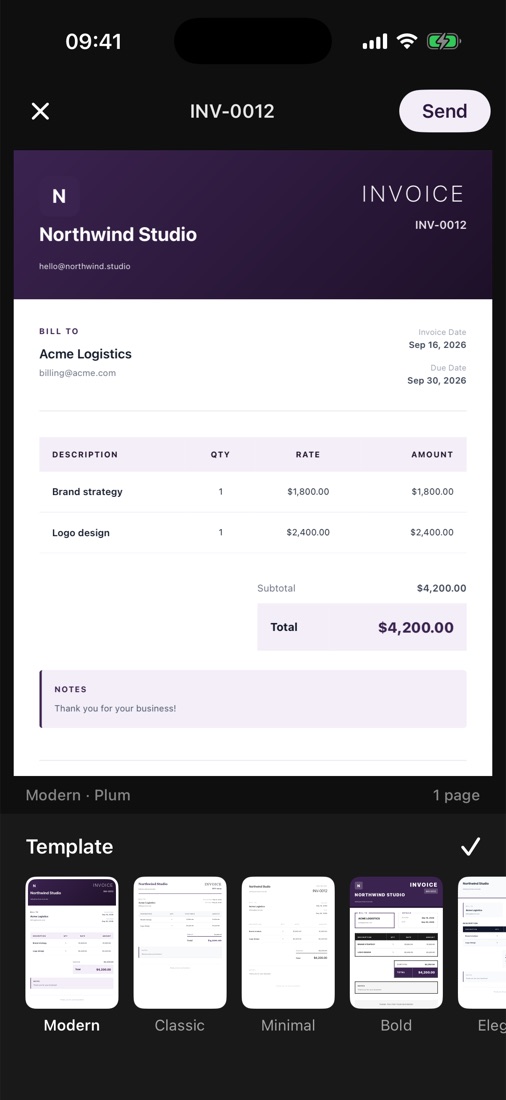
Create
An invoice in under a minute
Pick a client, add items from your price book and send a branded PDF straight from your phone.
Create invoices and quotes in a minute, send them by email or link, see when they're opened and get paid by card. On iPhone, iPad, Android and the web.
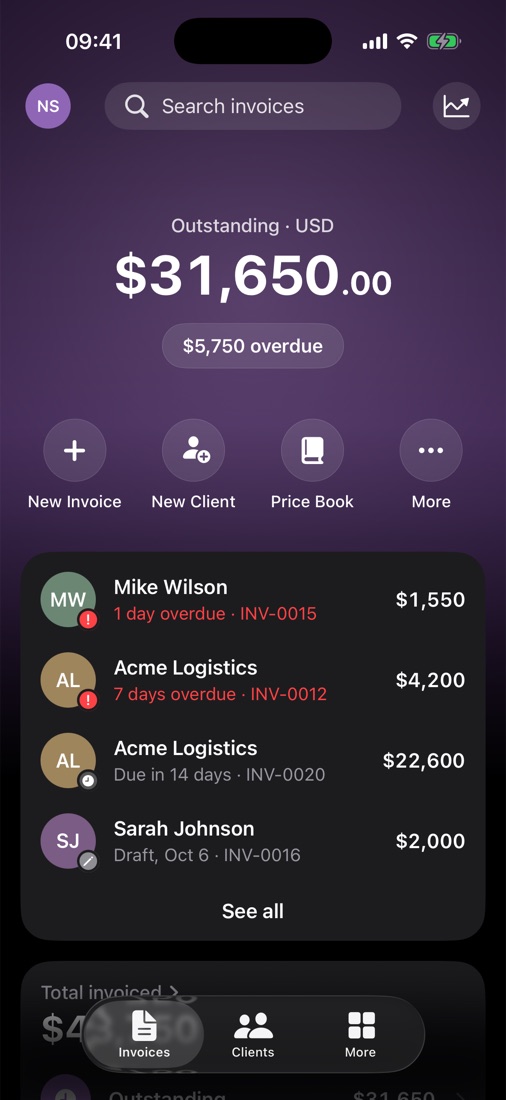

$4,200 paid online. It's on its way to your Stripe account.
Add a client, pick items from your price book and tap send. Your home screen shows what's outstanding and what's overdue, so you always know who to nudge.
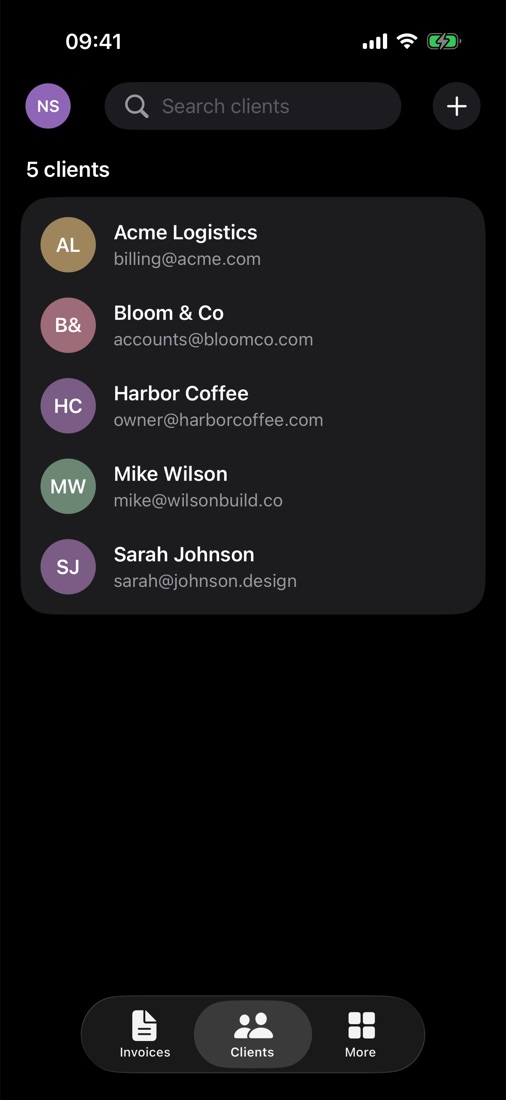
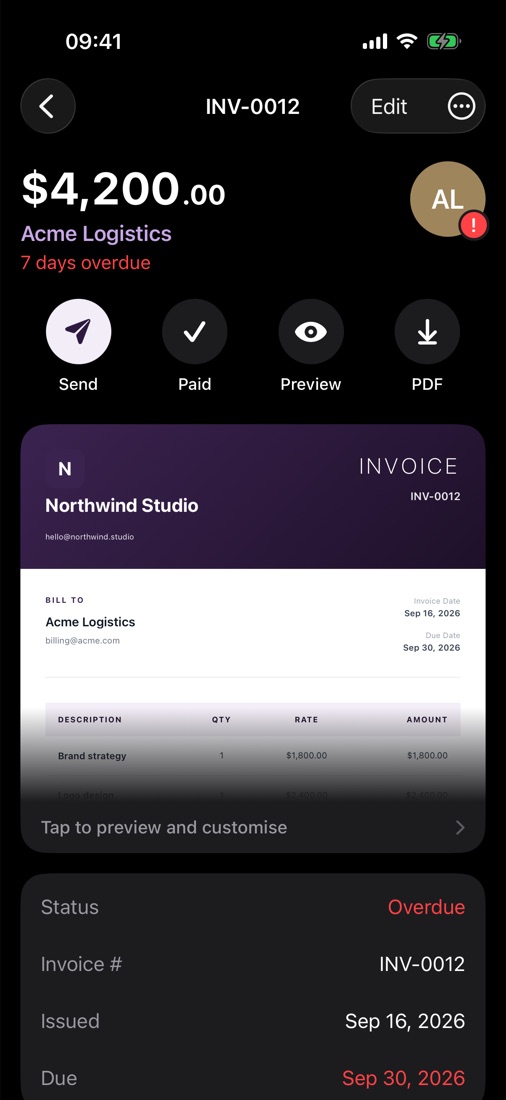
Five templates, nine colours, your logo and signature. Preview the real PDF as you edit, and it splits cleanly across pages however many items you add.
Northwind Studio
INVOICE
INV-0012
BILL TO
Acme Logistics
billing@acme.com
Issued Sep 16
Due Sep 30
NOTES
Thank you for your business!
Northwind Studio
INVOICE
INV-0012
BILL TO
Acme Logistics
billing@acme.com
Issued Sep 16
Due Sep 30
NOTES
Thank you for your business!
Northwind Studio
INVOICE
INV-0012
BILL TO
Acme Logistics
billing@acme.com
Issued Sep 16
Due Sep 30
NOTES
Thank you for your business!
NORTHWIND STUDIO
INVOICE
INV-0012BILL TO
Acme Logistics
billing@acme.com
Issued Sep 16
Due Sep 30
NOTES
Thank you for your business!
Northwind Studio
INVOICE
INV-0012
BILL TO
Acme Logistics
billing@acme.com
Issued Sep 16
Due Sep 30
NOTES
Thank you for your business!
Template
Create
Pick a client, add items from your price book and send a branded PDF straight from your phone.
Track
Paid, waiting and overdue, sorted for you. Your home screen shows what's outstanding at a glance.
Send
Email the PDF or share a link. Zen marks it Viewed when your client opens it, and they can pay by card.
Everything you need to bill clients properly, and nothing you don't.
Save the things you bill often and add them to an invoice in one tap.
Draw it once. Zen signs every invoice for you, neatly placed above the line.
Add photos of the finished job. They flow onto the PDF and never get cut off.
Bill clients abroad in their own currency, with totals that look right.
Send a quote, and when the client says yes, turn it into an invoice in one tap.
Connect Stripe and your invoices get a Pay button. The money goes to your own account.
Create and edit invoices without a connection. Everything syncs when you're back online.
Ask Zen AI to draft an invoice, quote or client, or connect Zen to ChatGPT and Claude.
Use Zen in English, Spanish, Arabic, Japanese and more, with right-to-left layouts.
Send your first invoices for free. Zen Pro adds unlimited invoices, email delivery, view tracking, reports and unlimited Zen AI for $9.99 a month or $59.99 a year.
See pricing0
PDF templates
0
colours
0
languages
0
platforms: iPhone and iPad, Android, web
Download the app and send your first invoice in the next minute.
Or use Zen in your browserCan't find what you need? Write to support@zeninvoice.io.
Most invoices take under a minute: pick a client, add items from your price book, choose a template and send the PDF.
Yes. You can create and edit invoices without a connection. Everything syncs automatically when you're back online.
Yes. Add your logo, pick one of five templates and nine colours, and draw your signature once. Zen adds them to every invoice.
Item tables split cleanly across pages and photos move to the next page only when they don't fit, so nothing gets cut off.
Yes, you can download Zen and start invoicing for free. Zen Pro costs $9.99 a month or $59.99 a year and adds unlimited invoices, email delivery, view tracking, reports and unlimited Zen AI.
Yes. Connect your Stripe account and every invoice gets a Pay button for card payments. The money goes straight to you, and Zen takes no fee.
Your invoices live on your device, so the app works offline. When you're signed in, they sync to your account over an encrypted connection.
On iPhone and iPad, on Android, and in your browser at app.zeninvoice.io. Sign in with the same account and everything syncs.
Email support@zeninvoice.io and a real person will get back to you.